Mail · Guide
Calendar & Contacts
Manage meetings and people alongside your mail — respond to invites, schedule with free/busy and rooms, and keep contacts and distribution groups organized.
On this page
Accepting & declining invites
Meeting invitations arrive in your mail. Open one and choose Accept or Decline; accepted meetings are added to your calendar and the organizer is notified of your response.
Creating an event
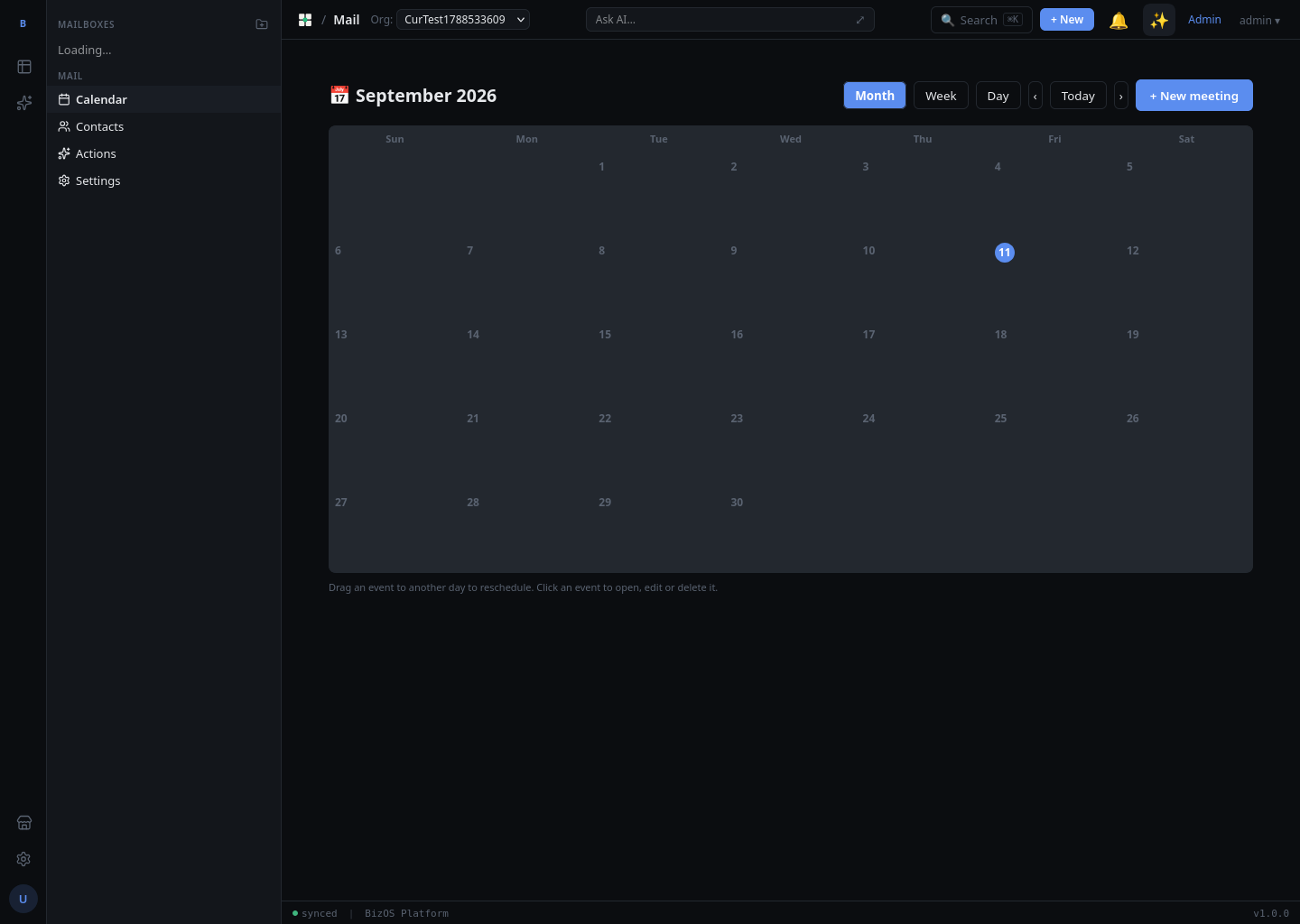
To schedule a meeting, open the calendar and click New event. Set a title, date, and time, add attendees, and send the invite — attendees receive it in their mail and can respond.
Free/busy
When you add attendees to an event, free/busy shows when they are already booked, so you can pick a time that works for everyone without a round of emails.
Rooms
Book a meeting room as part of an event: add the room when creating the event to reserve the space alongside the attendees.
Contacts & People
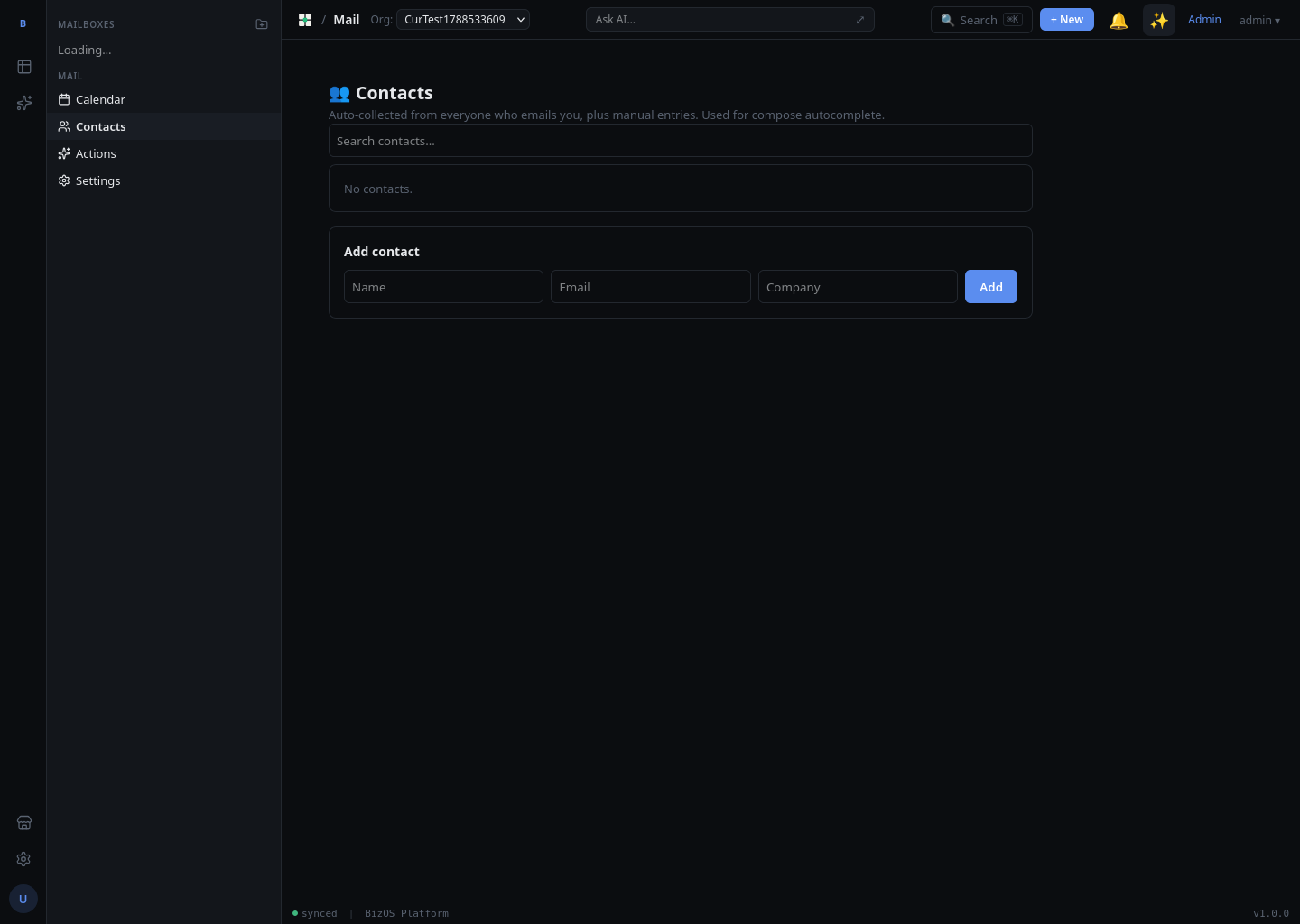
The People area holds your contacts — names, email addresses, and details. Contacts power recipient autocomplete when you compose. To add a contact, open People and create a new entry.
Distribution groups
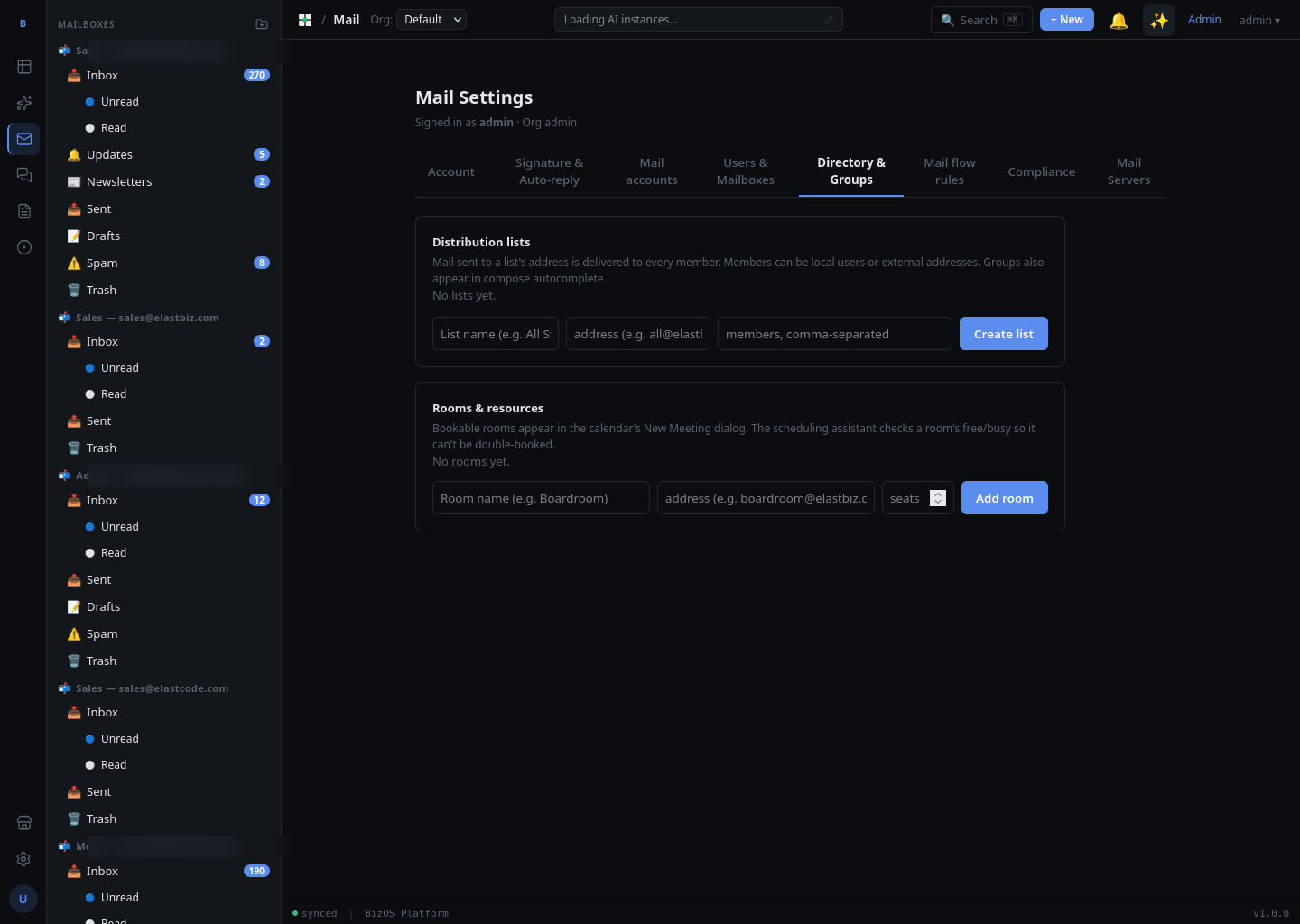
A distribution group is a single address that reaches several people at once — handy for a team or department. Message the group's address and everyone in it receives the mail.