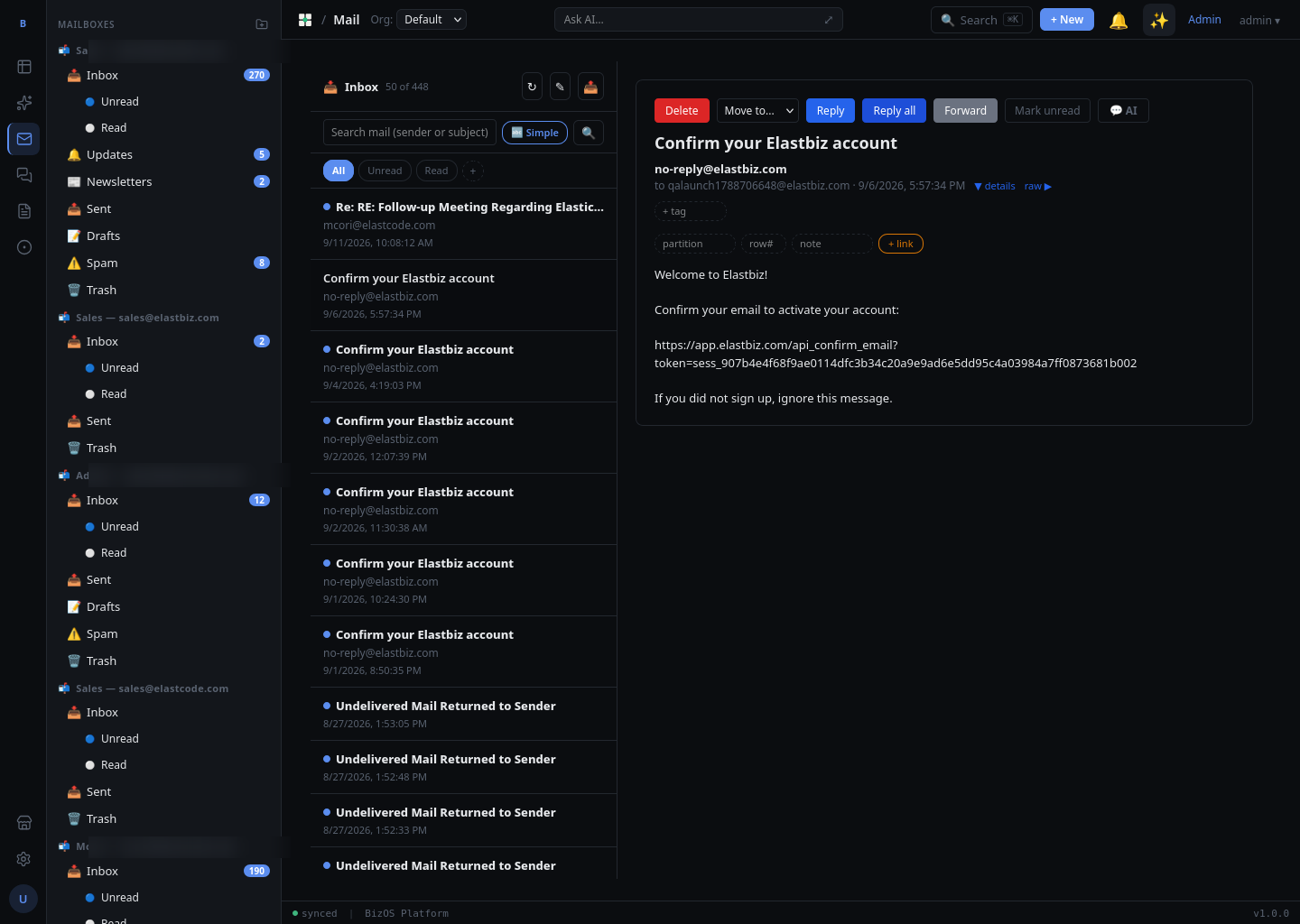
Mail · Guide
AI in Mail
Mail reads, sorts, and summarizes for you — classifying incoming mail, answering questions about a message, following standing orders you write in plain language, and linking email to your Tables data.
On this page
AI classification
As mail arrives, the AI labels it so you can triage without opening every message. Classifications include spam, a general category, and business types such as invoice and service requests. Labels appear next to messages in the list; you can sort or filter your reading around them.
Per-message AI summary
For a long message or thread, open it and choose AI summary to get a short recap of what it says and what, if anything, it asks of you — so you can decide how to act before reading in full.
Ask AI about this message
With a message open, use Ask AI about this message to put a question in plain language — for example, "what is the deadline they mention?" or "what are they asking me to approve?" The AI answers using the content of that message.
AI Action Rules
AI Action Rules are standing orders you write in plain language and the AI carries out on incoming mail — for example, "file receipts under Updates" or "flag anything from a supplier as service." To create one, open your AI Action Rules and describe what you want done; the rule then applies to new messages as they arrive.
Rules are written the way you would explain them to a colleague — there are no codes or fields to memorize. Review the audit to confirm a new rule is doing what you intended.
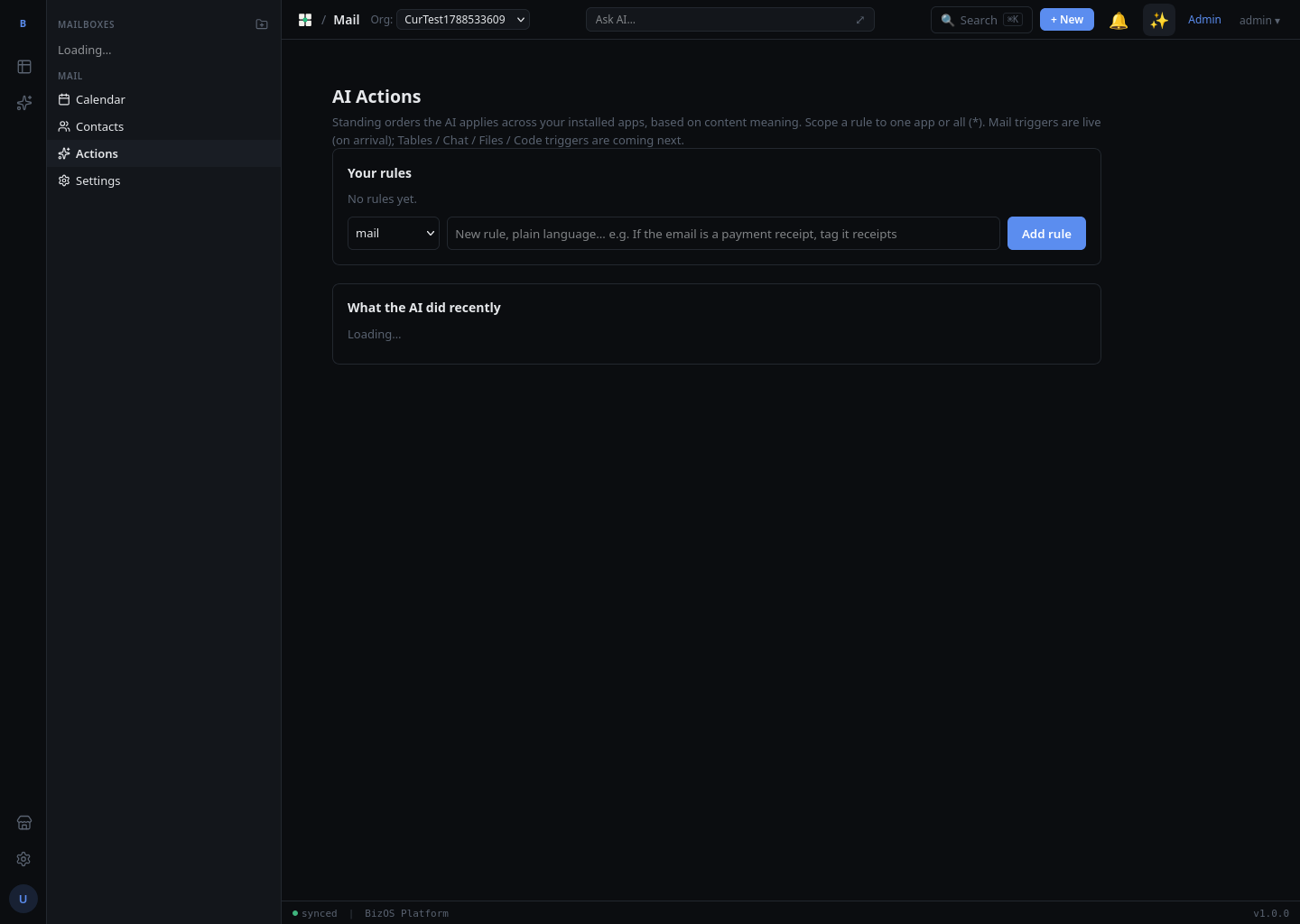
What the AI did
Every AI action is recorded so nothing happens invisibly. Open the "what the AI did" audit to see which messages were classified or acted on and which rule was responsible — useful for tuning a rule or confirming an action.
Email → DB row references
Mail can link a message to a record in your Tables data — for example connecting an invoice email to its row in a table. These email → DB row references let you jump from a message to the related record so your mail and your operational data stay joined up.